Remote work has transformed the modern workplace. Millions of professionals now enjoy the flexibility of working from home, avoiding lengthy commutes, and designing their own work environments.
Yet despite these benefits, many remote workers unknowingly create a problem that affects their productivity, energy levels, and long-term health: an uncomfortable workspace.
When people think about improving productivity, they often focus on time-management techniques, productivity apps, or morning routines. While these can help, one of the biggest productivity killers is often sitting right beneath them—their workspace.
A poorly designed home office can contribute to back pain, neck strain, fatigue, headaches, and reduced concentration. The good news is that improving comfort doesn’t require a complete office renovation. Small ergonomic improvements can have a significant impact on both how you feel and how effectively you work.
Why Comfort and Productivity Are Connected
Productivity isn’t just about motivation or discipline. It’s also about reducing distractions.
When you’re uncomfortable, your body constantly competes for your attention.
You might find yourself:
- Adjusting your sitting position every few minutes
- Stretching your neck repeatedly
- Taking frequent breaks to relieve discomfort
- Losing focus during important tasks
- Feeling mentally exhausted by the afternoon
These interruptions may seem minor, but they add up throughout the day.
A comfortable workspace allows you to focus your mental energy on your work rather than on managing physical discomfort.
The Hidden Cost of a Poor Home Office Setup
Many people began working remotely using whatever furniture was available at the time.
For some, that meant:
- Kitchen chairs
- Dining room tables
- Couches
- Coffee tables
- Beds
While these setups may be acceptable temporarily, they often become problematic when used for eight or more hours every day.
Common symptoms associated with poor workstation ergonomics include:
Lower Back Pain
The lower back absorbs significant stress when sitting for long periods, especially without proper lumbar support.
Over time, poor posture can lead to stiffness, discomfort, and fatigue that extends beyond working hours.
Neck and Shoulder Tension
A monitor positioned too low forces the head into a forward position.
This posture places extra strain on the neck and shoulders and can contribute to chronic discomfort over time.
Wrist and Forearm Discomfort
Using a keyboard or mouse in an awkward position can increase strain on the wrists and forearms.
Many remote workers don’t notice these issues until discomfort gradually develops.
Eye Strain
Poor lighting and improper screen placement can contribute to:
- Dry eyes
- Headaches
- Blurred vision
- Difficulty focusing
For people who spend their entire workday in front of a screen, eye comfort should never be overlooked.
The Four Ergonomic Upgrades That Make the Biggest Difference
One of the biggest misconceptions about ergonomics is that creating a comfortable workspace requires spending thousands of dollars.
In reality, a few carefully chosen upgrades often provide the greatest benefit.
1. An Ergonomic Office Chair
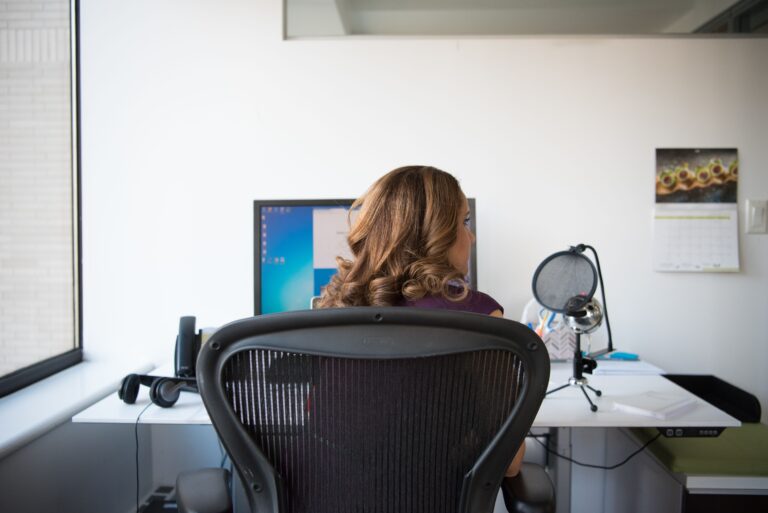
If you only improve one aspect of your workspace, start with your chair.
Your chair supports your body throughout the entire workday.
A quality ergonomic chair should offer:
- Adjustable seat height
- Lumbar support
- Adjustable armrests
- Recline functionality
- Breathable materials
The goal isn’t simply comfort. It’s maintaining a healthy sitting posture that reduces strain on the spine.
2. A Monitor Arm or Monitor Stand
Monitor positioning is one of the most overlooked aspects of workplace comfort.
Ideally, the top of your monitor should sit near eye level.
Benefits of proper monitor positioning include:
- Reduced neck strain
- Improved posture
- Increased desk space
- Better viewing comfort
A simple monitor arm can dramatically improve workstation ergonomics.
3. An Ergonomic Keyboard and Mouse
Many people spend thousands of hours each year typing and using a mouse.
Ergonomic peripherals help support a more natural wrist position and may improve comfort during long work sessions.
They’re particularly beneficial for people who spend most of their day at a computer.
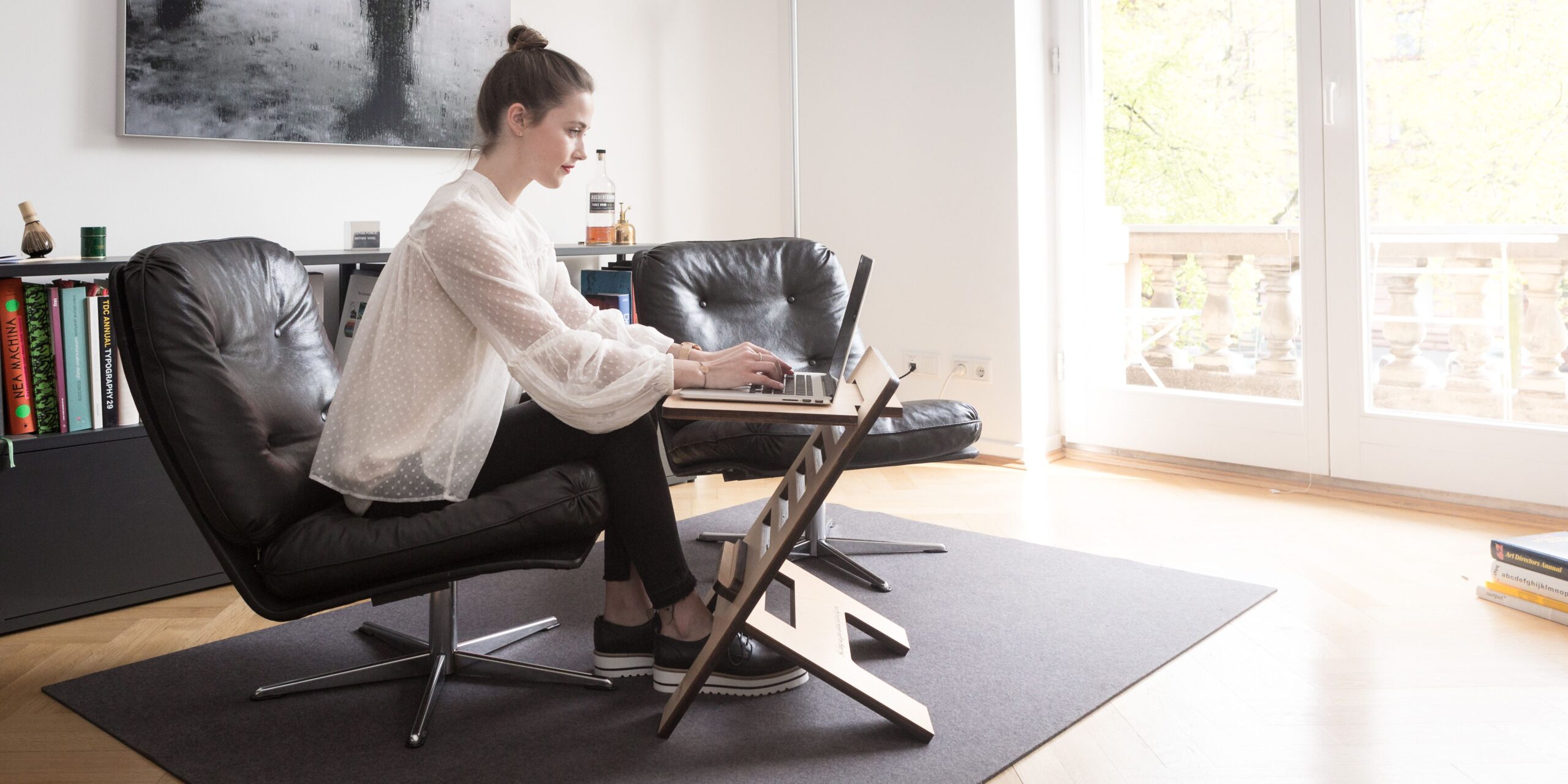
4. A Standing Desk
Contrary to popular belief, standing desks aren’t designed to replace sitting.
Their real benefit is allowing users to alternate between sitting and standing throughout the day.
Movement is one of the most important aspects of workplace comfort.
Changing positions regularly helps reduce stiffness and encourages healthier work habits.
Comfort Is About More Than Furniture
Many people assume that buying an expensive chair will solve all their problems.
In reality, comfort is usually the result of an entire system working together.
For example:
A $300 chair combined with:
- Proper monitor placement
- Good desk height
- Regular movement
- Correct keyboard positioning
may provide a better experience than a $1,500 chair used in a poorly configured workspace.
The most effective ergonomic setups focus on the entire work environment rather than a single product.
Simple Habits That Improve Comfort Throughout the Day
Even the best workstation benefits from healthy habits.
Consider incorporating the following practices into your routine:
Change Positions Frequently
Avoid remaining in one position for hours at a time.
Alternate between sitting and standing whenever possible.
Take Short Walking Breaks
A brief walk around your home can help reduce stiffness and improve circulation.
Stretch Regularly
Simple stretches for the neck, shoulders, back, and wrists can help relieve tension throughout the day.
Stay Hydrated
Hydration supports energy levels and often encourages natural movement through regular breaks.
Signs Your Workspace May Need Improvement
You may benefit from ergonomic upgrades if you regularly experience:
- Back pain after work
- Neck stiffness
- Shoulder tension
- Wrist discomfort
- Frequent headaches
- Eye fatigue
- Difficulty concentrating for long periods
These issues are often signals that your workstation isn’t properly supporting your body.
Frequently Asked Questions
What is the most important ergonomic upgrade?
For most remote workers, an ergonomic office chair provides the greatest overall improvement because it affects posture throughout the entire workday.
Are standing desks worth it?
For many users, yes. Standing desks make it easier to alternate between sitting and standing, encouraging more movement during the workday.
Can a monitor arm really make a difference?
Absolutely. Proper monitor positioning can significantly reduce neck strain and improve posture.
Do I need an expensive setup?
No. Many ergonomic improvements are inexpensive and can provide noticeable benefits without requiring a large investment.
What to Consider When Upgrading Your Workspace
If you’re planning to improve your home office, prioritize upgrades in this order:
Start Here
- Ergonomic office chair
Next Priority
- Monitor arm or monitor stand
Then Consider
- Ergonomic keyboard and mouse
- Standing desk
- Footrest
- Monitor light bar
Most people don’t need to upgrade everything at once. Addressing your biggest source of discomfort first will often deliver the greatest improvement.
Final Thoughts
Remote work offers incredible flexibility, but it also places greater responsibility on individuals to create a healthy and comfortable workspace.
The reality is simple: discomfort affects productivity.
When your body is distracted by pain, tension, or fatigue, your focus suffers. By creating an ergonomic workspace that supports proper posture, encourages movement, and reduces strain, you can improve both your work performance and your overall well-being.
The best home office isn’t necessarily the most expensive one. It’s the one that allows you to work comfortably, stay focused, and finish each day feeling better than when you started.